


★★★★★
"After losing our login credentials, your application quickly and effortlessly restored our full access."
The only application certified under ISO9001 and ISO27001 capable of decoding a Yahoo! account password regardless of its complexity.
Download PASS ACCESS
PASS ACCESS integrates the latest technology to decode a Yahoo! password. Fast and efficient, this ISO9001 and ISO27001-certified decryption application has no usage limits and can recover the access code of a Yahoo! account—even if it appears impossible to guess!
PASS ACCESS allows you to recover the password of a Yahoo! account in just a few minutes thanks to advanced artificial intelligence algorithms supporting encryption methods such as SHA-256, PBKDF2, and AES-CBC.
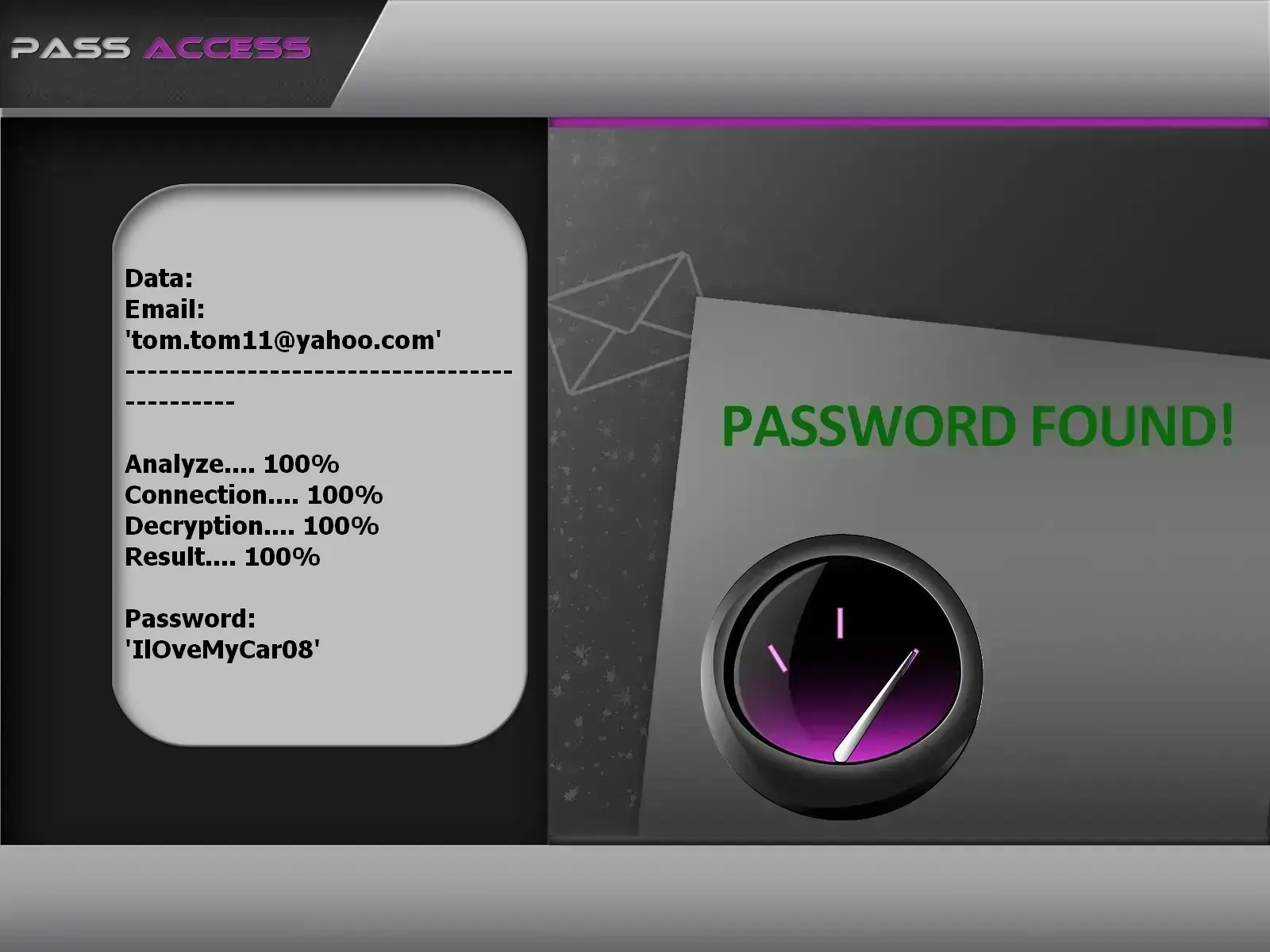
This image shows PASS ACCESS extracting a Yahoo! account password.
The PASS ACCESS user interface has been simplified for ease of use. Follow these detailed steps to recover your Yahoo account:
Click "Download" to get PASS ACCESS from your smartphone, computer or tablet
Open PASS ACCESS from your device
Input the full Yahoo email address
Click "Start Recovery"
Technical operation: PASS ACCESS uses cutting-edge technology to decrypt Yahoo passwords through multiple sophisticated methods. The advanced cryptographic algorithm employs a multilayer approach combining cryptographic analysis, protected database storage, and pattern recognition.
Supported formats: SHA-256, PBKDF2, AES in CBC mode, bcrypt, scrypt

"Our experts have validated the application's performance in demanding scenarios requiring rapid access to password-protected accounts. This powerful tool, built with uncompromising rigor, redefines guaranteed full control."
SafiCert, Excellence in Software Testing and QualityQuestions? Reach out! Or take advantage of our risk-free 30-day trial. If our app doesn't fully meet your needs, we'll provide a full refund. We trust its effectiveness completely. Access a Yahoo! account NOW!!!
Download PASS ACCESS
"After losing our login credentials, your application quickly and effortlessly restored our full access."

"I've used this application multiple times for clients to successfully access password-protected accounts—an indispensable tool for emergency access."

"My account was locked, even though it contained all the essential documents for the case I'd been working on for months! Thanks to your application, I instantly cracked the access."

"Our employee left without providing the account password. Your application allowed us to hack it instantly, with no time lost."

"Often traveling across multiple countries, I could no longer log into one of my accounts. In an emergency, I downloaded this application, which allowed me to restore access effortlessly."

"I regularly collaborate with brands in my videos, and getting locked out of my account was a real nightmare. Thanks to your application, the issue was resolved quickly."

"My email access was blocked right when I had to deliver a project to a client that same day. The speed with which I was able to recover my data thanks to this application is impressive."

"During our investigations, this application proves its effectiveness in collecting identification data."
Yahoo accounts remain prime targets for cybercriminals due to their widespread use and integration with various online services. Understanding modern hacking techniques is essential to protect your account.
Attackers use automated tools to test millions of username/password combinations obtained from previous data breaches. Given the massive 2013–2014 Yahoo breach affecting 3 billion accounts, leaked credentials continue to circulate on dark web markets.
Modern Yahoo accounts use OAuth tokens for third-party app authentication. Attackers exploit vulnerabilities in these authorization flows to steal access tokens, gaining persistent account access without needing the password.
Attackers force users to authenticate with a predetermined session ID, then hijack the session after login. This technique is especially effective on public Wi-Fi networks where traffic can be intercepted.
Protecting your Yahoo account requires multiple layers of security. Follow these comprehensive protection strategies to safeguard your personal information, emails, and digital identity against sophisticated cyber threats.
Two-factor authentication is your best defense against unauthorized access. Even if attackers obtain your password, they cannot access your account without the second verification factor.
Your password is your first line of defense. Follow these modern password best practices:
Phishing remains the #1 method used by attackers to steal Yahoo credentials. Learn to identify sophisticated phishing attempts:
⚠️ IMPORTANT LEGAL WARNING
The techniques described above are for educational purposes and legitimate account recovery only. Hacking a Yahoo account is illegal under global computer fraud laws.
USE PASS ACCESS ONLY ON:
PASS ACCESS allows you to recover the password of a Yahoo account. It displays credentials in plain text.
Yes, PASS ACCESS recovers all Yahoo accounts.
Once launched, PASS ACCESS analyzes the data and displays the Yahoo credentials immediately.
No information is transferred over the internet.
No. PASS ACCESS requires no registration, email verification, or personal data entry. It works immediately after installation.
Yes. The tool is independent of geographic location, regardless of your country of residence.
Yes. We offer a 30-day money-back guarantee. If the application doesn't work on your machine, contact us for an immediate refund.
No. The purchase is one-time and permanent. Once acquired, PASS ACCESS is yours for life, with no recurring fees.
Immediately. The download link is provided as soon as your payment is confirmed. No waiting period.
Yes. The application is regularly analyzed and contains no intrusive ads, malware, or trackers.
PASS ACCESS is compatible with Windows, Mac, Linux, Android root, iPhone root only.
Yes, provided it is used exclusively on Yahoo accounts you own or for which you have explicit authorization. Any unauthorized use constitutes a privacy violation and may result in legal action.
Download PASS ACCESS now and regain access to your account in minutes!
Download now